CAPS Tutor
EdTechEdTech · AI Tutor · Web App
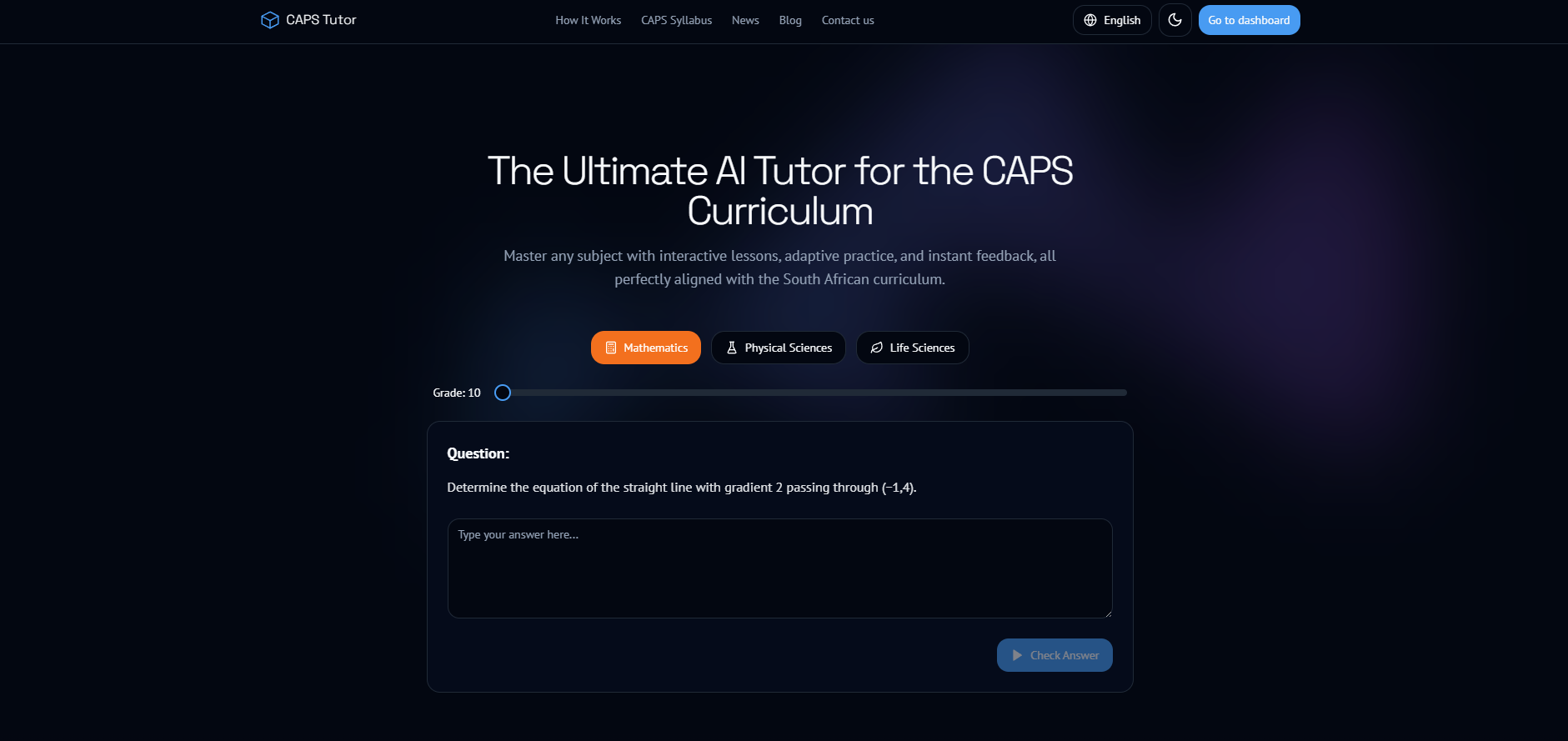
CAPS Tutor is an AI-powered educational platform built around the South African Curriculum and Assessment Policy Statement (CAPS) for Grades 10–12. The goal was to deliver a full learning ecosystem: a student experience that feels like a personal tutor, plus teacher/admin tooling that makes it practical to manage content at scale. The platform combines structured CAPS-aligned content, interactive lessons, practice, and authentic past papers—with live-style analytics and an admin workflow for creating/managing learning resources and reporting across subjects.
- Student dashboard with progress tracking: lessons completed, mastery by topic, time spent, and historical performance
- Interactive AI tutor that provides step-by-step explanations and personalized support 24/7
- Adaptive practice questions tailored to grade, subject, and weak areas
- Searchable lessons hub with embedded practice questions and quizzes
- Grade 12 CAPS past papers (Paper 1, Paper 2, memos) with authentic exam-style layouts
- Past paper creation/management workflow (PDF or structured formats) with processing tooling
- Admin dashboard to manage subjects, lesson content, practice questions, and weekly tasks
- Student management: view progress, spot problem topics, and export reporting
- Live-style analytics for engagement and mastery trends across topics and subjects
- System-wide settings and announcements for platform-wide communication
- News + blog pages for updates, announcements, and SEO-friendly educational content
- Achievement-style progression for motivation and retention
- Multi-language-ready foundation (11 official SA languages)
- Subjects supported include Mathematics, Physical Sciences, Life Sciences, Accounting, Business Studies, Economics, Geography, History, IT, CAT, English, Afrikaans
- Type
- AI-powered learning platform
- Curriculum
- CAPS (Grades 10–12)
- Users
- Students · Teachers · Admins
- Core focus
- Learning + practice + analytics at scale
- Personalized practice flow based on grade, subject, and weak areas
- AI tutor for step-by-step explanations and concept support
- Lesson hub that is searchable, structured, and easy to navigate
- Progress tracking showing mastery per topic and time spent
- Achievement-style motivation to keep learners engaged
- View class/student progress and identify struggling topics quickly
- Manage lessons, practice questions, and subject availability
- Set weekly tasks and platform-wide announcements
- Export reporting for progress and engagement snapshots
- Upload and manage Grade 12 past papers (Paper 1/2 + memos)
- Maintain authentic exam layouts and clear navigation between papers and memos
- Support structured formats (PDF and structured data) for reuse and consistency
- Processing tooling to extract content and handle diagrams/visual elements
AI is used to help learners get explanations and to support question generation and tutoring workflows. The platform integrates these features server-side to keep keys secure and to control/monitor usage.
- Server-side API routes for validation, rate limiting foundations, and secure key usage
- Logging-ready structure for monitoring failures and improving reliability over time
- Designed so AI features can be expanded without rewriting the app architecture
- Announcement-style updates for students and platform changes
- Evergreen content pages for SEO-friendly educational content
- Structured layout so content can grow without cluttering the learning UI